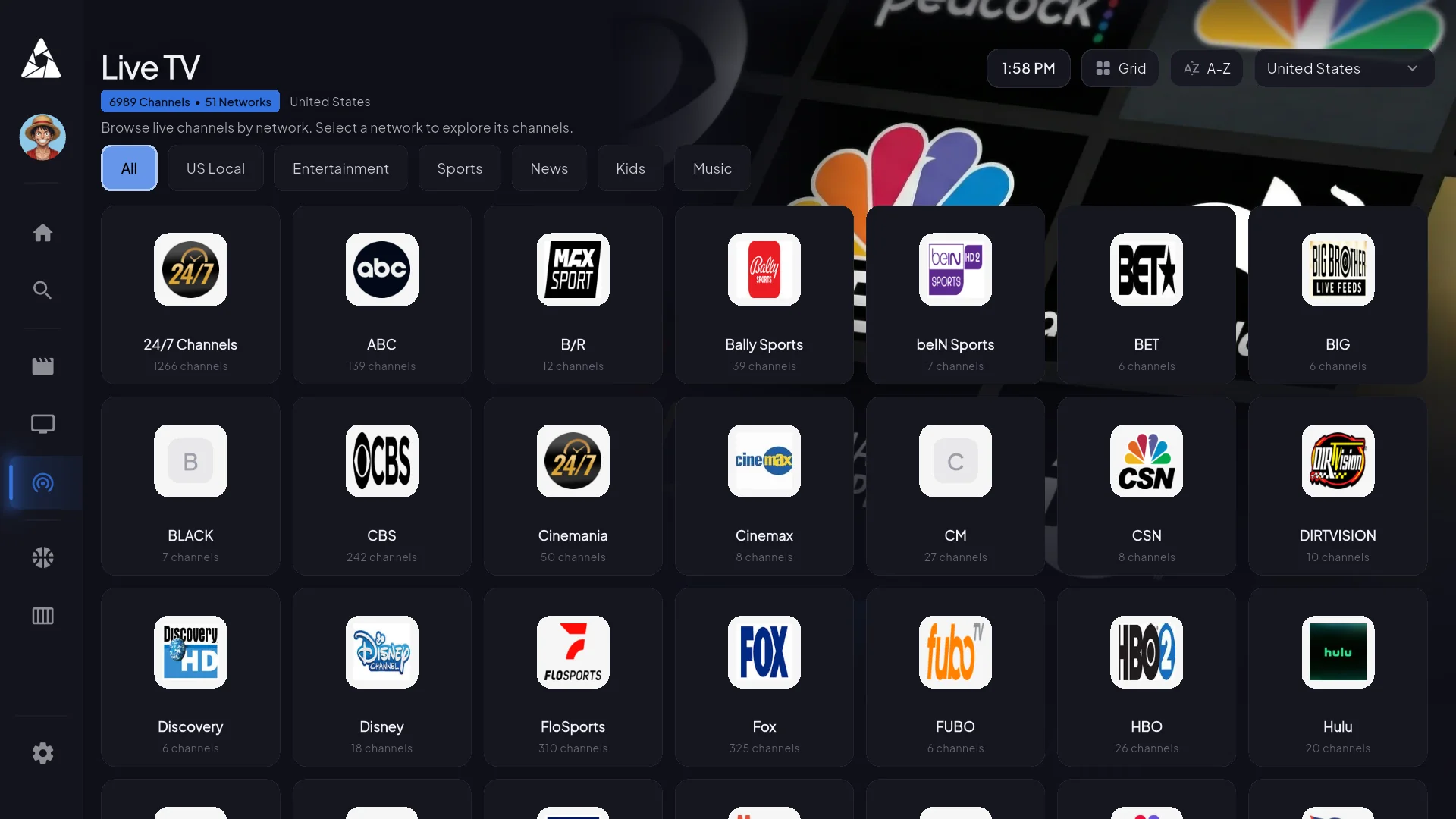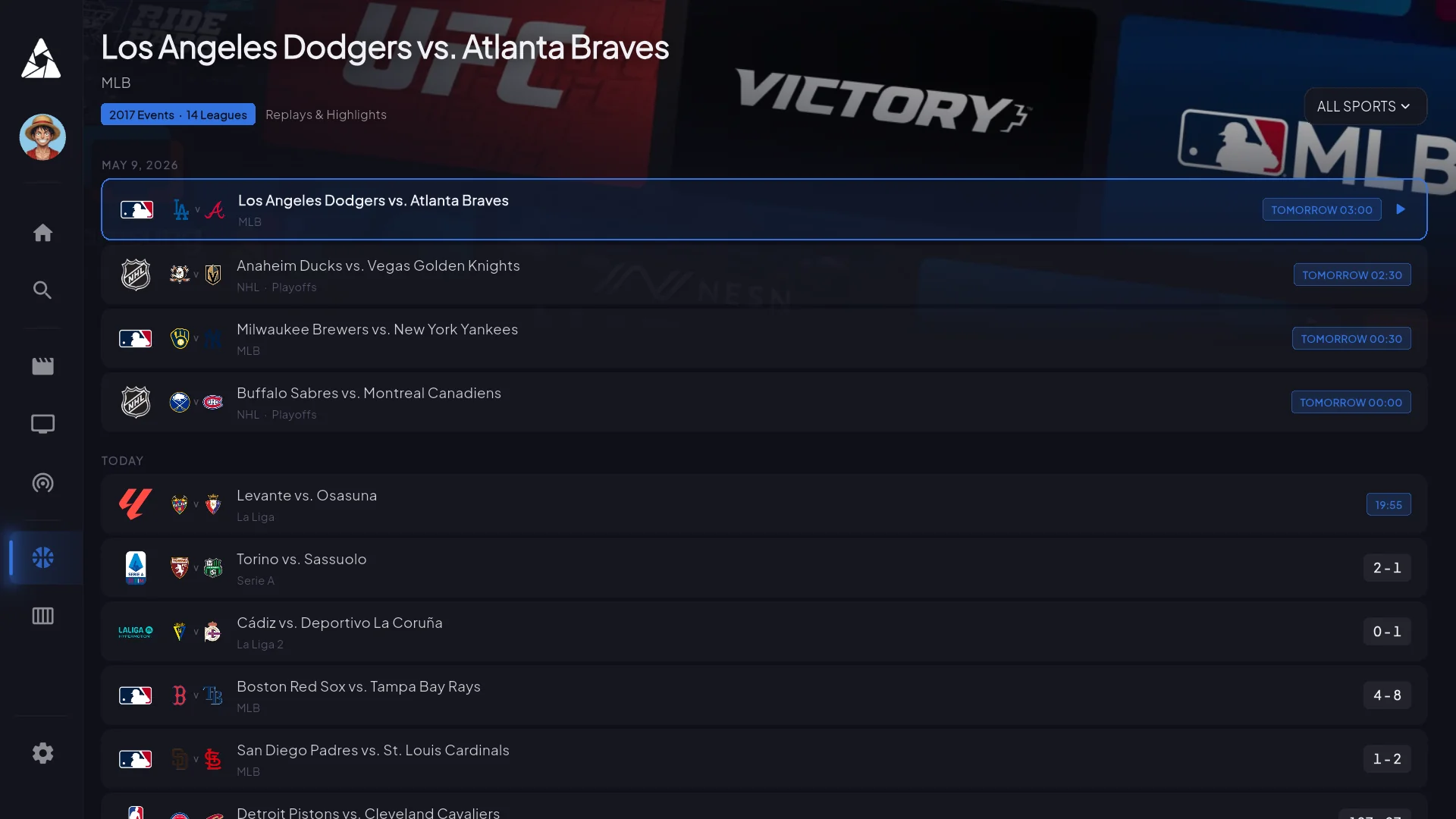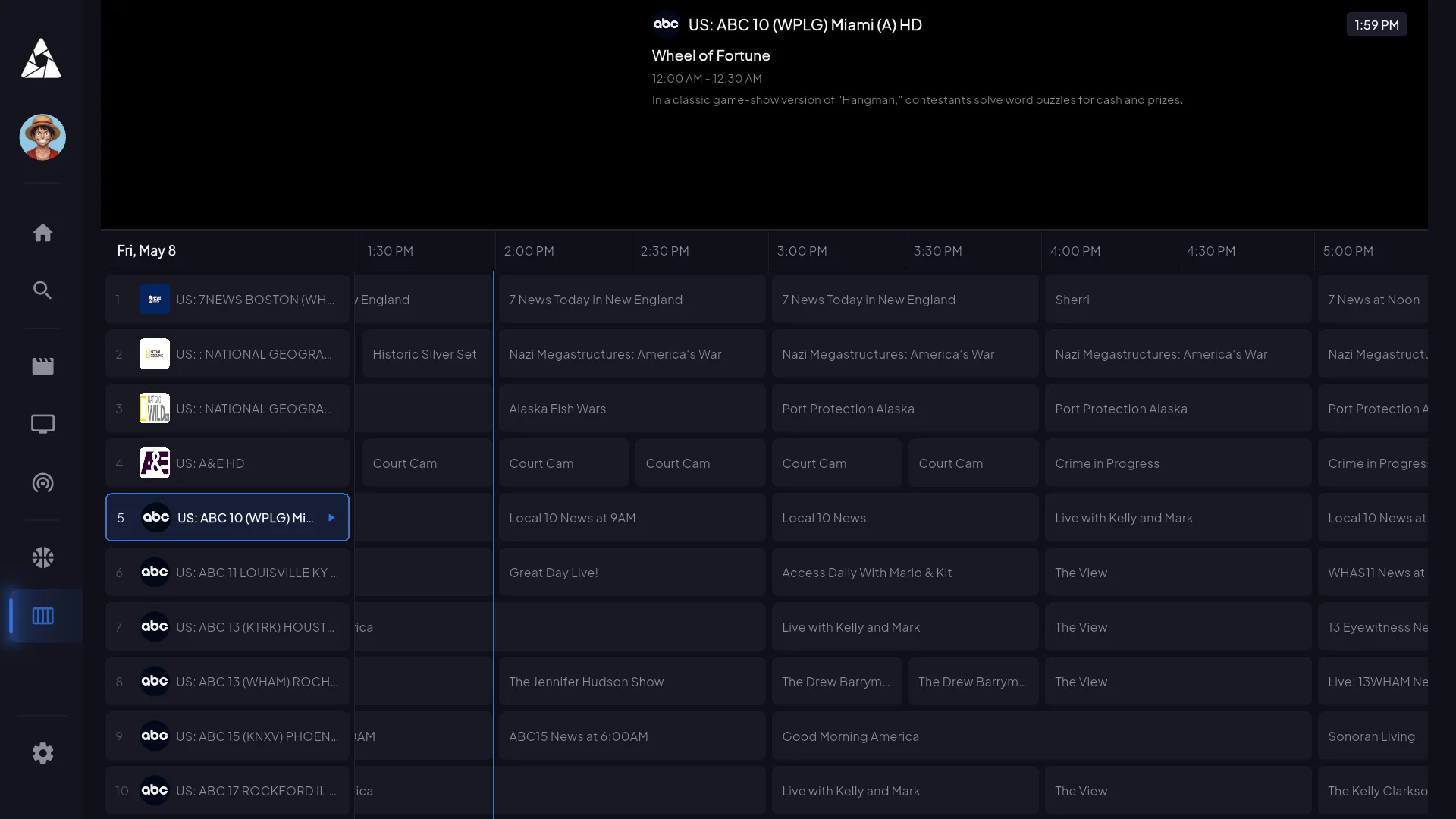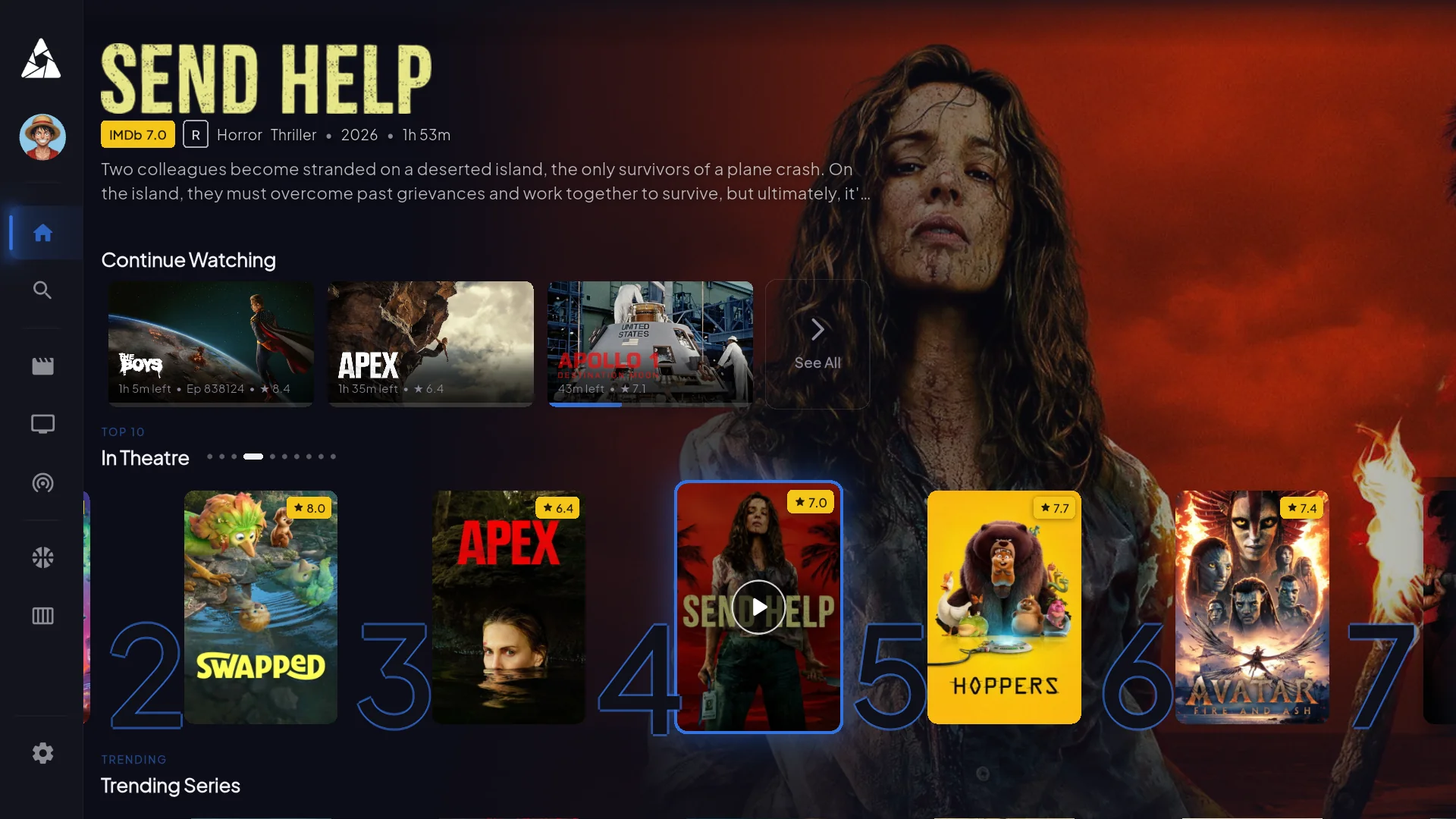
The Apollo Group TV app — one for every screen
22,000+ live channels and 90,000+ movies, on Firestick, Smart TV, iPhone, Android, and every other device you own. Same EPG, same VOD library, same five simultaneous streams.
Download App Now
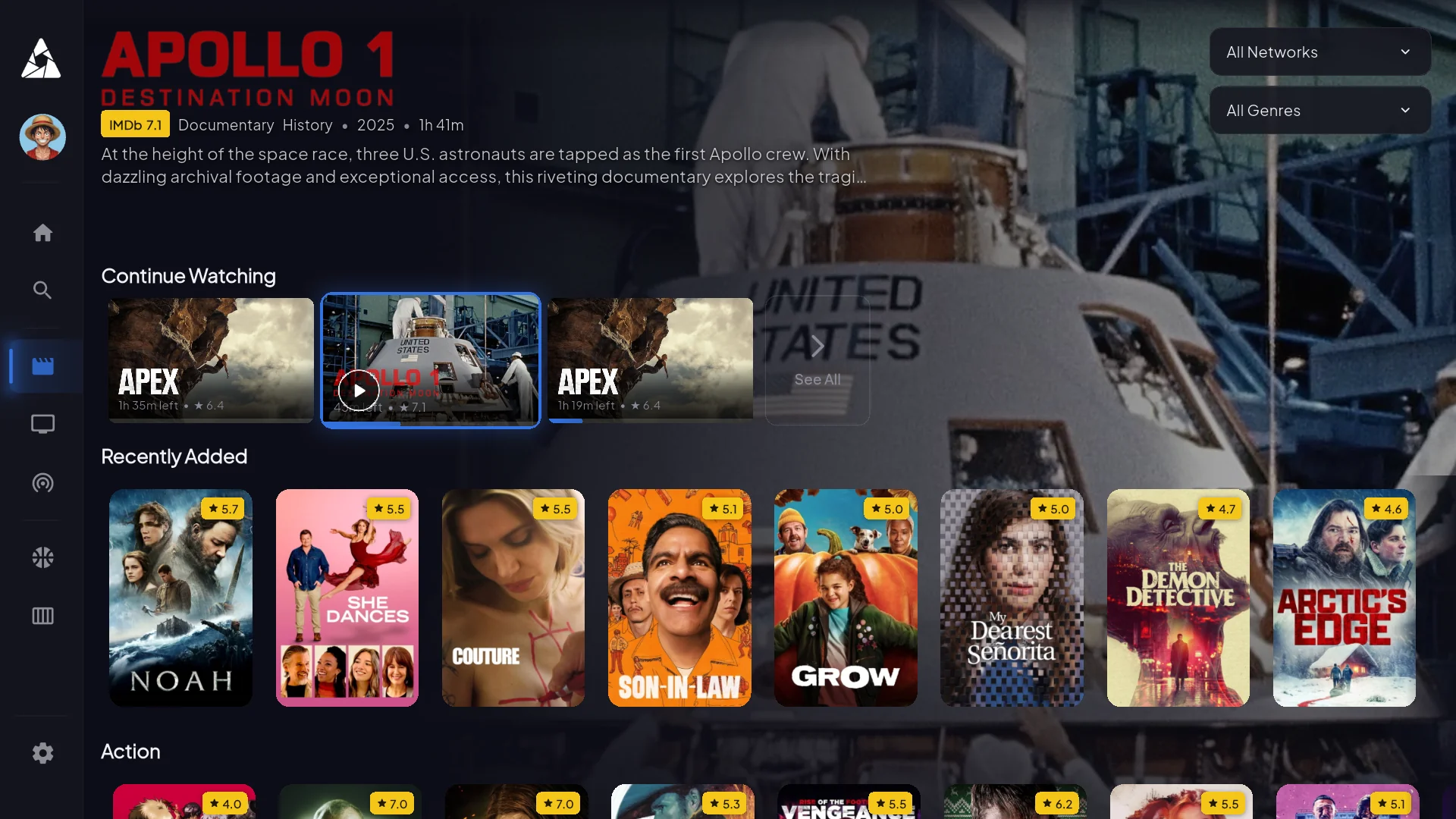
Explore App Features
Take a closer look at our sleek user interface, live sports, movies, and EPG guide.
How to Install on Your Device
Select your streaming device below to view step-by-step instructions for installing Apollo Group TV.
Enable Developer Options
Go to Firestick Settings > My Fire TV > About. Click on your Fire TV Stick 7 times until it says "You are a developer".
Install Downloader App
Go back to the home screen search tab, type Downloader, and download the app by AFTVnews.
Download Apollo App
Open Downloader, enter your shortcode or download link in the URL box, and click Go to fetch and install the APK file.
Allow Unknown Sources
Navigate to Android TV Settings > Security & Restrictions or Developer Options, and enable installation from unknown sources.
Download Downloader via Play Store
Open the Google Play Store on your Android TV, search for Downloader or a web browser, and install it.
Install and Login
Input your application download link, install the package, and sign in using your subscription credentials.
Unlock Developer Mode
Go to Google TV Settings > System > About > Android TV OS Build and press OK 7 times.
Get Downloader from Apps
Search for the Downloader app in the Google TV Apps store and click install.
Enter Setup Link
Open Downloader, type the setup URL, permit installation permissions when prompted, and launch the app.
Enable Unknown Sources
Go to Fire Cube Settings > My Fire TV > Developer Options and turn on Apps from Unknown Sources.
Use Alexa or Downloader
Use your voice remote or search manually to open the Downloader utility application.
Complete Installation
Download the official Apollo Group TV APK file, complete the prompt installation, and log in to begin streaming.
Need Help With Installation?
Stuck on a step or facing issues setting up your device? Our professional customer support team is available 24/7 to assist you.
Open Support Ticket